Customer drawings are not ours
Geometry stays on a PC at the plant, cloud AI only with permission, a log of who did what. How Metallovy treats drawings, and how to answer customers' data questions.
The drawing on your desk belongs to your customer. Many say so in the corner: a protection notice, often citing ISO 16016, that all rights are reserved and the document may not be copied or passed on without permission. Many contract shops in Estonia that work for customers in Germany, the Nordics or the UK have signed an NDA or two as well.
So any software that touches drawings has to fit inside promises the shop has already made. These are the principles we built Metallovy on.
1. Geometry is processed at the plant
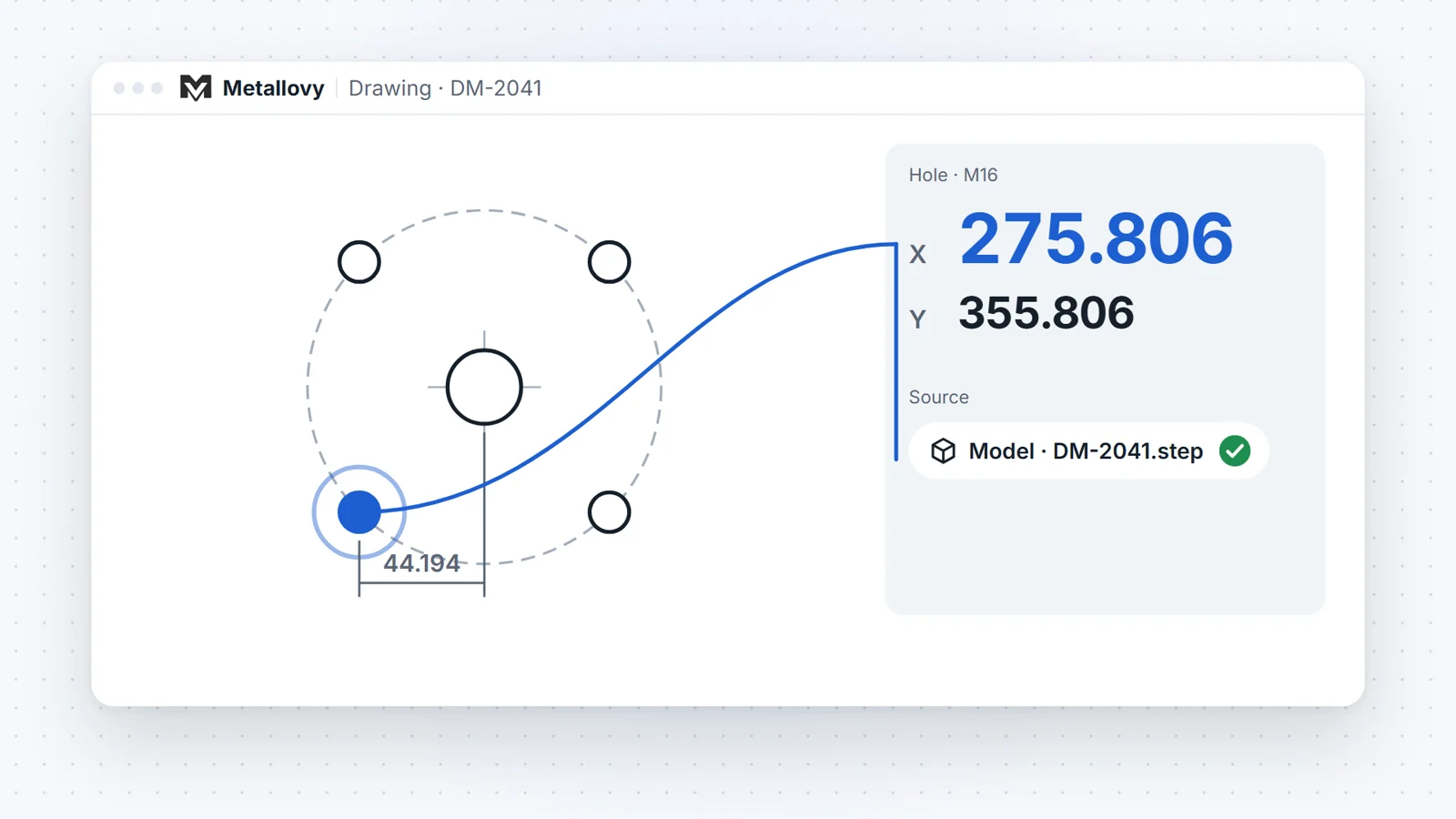
Metallovy runs on a PC in the plant’s own network. Reading DXF and STEP, finding holes, setting the zero, generating and checking the Heidenhain program, the setup sheet, the exports and the 3D view all run on that machine, and they work without an internet connection.
That was a decision from the start, not an afterthought. A factory PC may have no internet at all, and the core job, coordinates and a program from a DXF or a STEP model, has to work there.
2. Cloud AI only with permission
The AI assistant runs on Claude, a cloud service from Anthropic. It is off by default. For each job, somebody has to press “Allow for this job”. Without that, everything except the chat still works.
When it is on, the assistant sees what its actions return: the hole list, the drawing texts, the program, the questions in the job. If it needs to read a PDF drawing, the PDF is sent too.
The principle is to send the least that does the job: ideally the one sheet or fragment that is needed, not the whole order. To be honest about today: when the assistant reads a PDF, it currently sends the whole file, only when the task can’t be done without it, and only in a job where cloud AI is allowed. Sending single sheets or fragments is planned.
3. A log of who did what
Every action in a job is written to its log: who did it, the engineer or the AI, what changed and where the numbers came from. Every request to the cloud AI is logged as well: when, how much and why. The log lives in the job’s folder on the same PC.
If a customer asks “did our drawing go anywhere?”, you have something to show them.
4. Nothing goes straight to the machine
Metallovy does not connect to the control. The program goes to the machine as it does today, on a USB stick, carried by a person who has checked it. The AI can propose a depth or a tool; it cannot confirm its own proposal, and it cannot send anything to a machine.
5. Deleting is a human decision
Deleting a job moves it to a trash folder on the same PC, files and log included. Only a person can do it; the assistant can’t. Nothing is wiped by accident.
6. Our examples are invented
Every drawing, part, program and customer you see on this site or in our demos is invented. We don’t use customers’ files to show the product.
What leaves the building
| What happens | Leaves the plant’s network? |
|---|---|
| Reading DXF and STEP, holes, setups, zero | No |
Generating and checking the .H, setup sheet, XLSX and DXF exports |
No |
| 2D and 3D views, plant plan, operator tablet | No |
| Chat with the assistant | Yes, to the AI provider, only if allowed for this job; logged |
| The assistant reading a PDF | Yes, the PDF file, only if allowed; logged |
| Program to the machine | No: a USB stick, carried by a person |
Answering your customers’ data questions
Customers ask more often now, and a vague answer costs trust. Some practical advice, whatever software you use:
- Read the NDA for four things: where documents may be stored, whether they may be shared with third parties (a cloud AI service is a third party), how long you may keep them, and what happens to them at the end of the project.
- Keep a short register per customer: local only, cloud AI for fragments, or cloud AI allowed. Treat new customers as local only until you have an answer.
- Ask before you need to. One email at the start of a project is easier than a question in the middle of a rush job.
- Keep drawings in one place, on the plant’s server, not in private email or on phones.
- Answer for your company, not your software. If a customer asks about ISO 27001 or TISAX, the question is how your company works. No tool makes a shop certified, and we don’t claim any certification for Metallovy.
- Read your AI provider’s terms on how they treat business data, and keep a copy ready to send.
A paragraph you can adapt:
Your drawings are stored on a server inside our plant network. Hole coordinates and machine programs are calculated locally, without an internet connection. We use a cloud AI service only on jobs where you have agreed to it, and every transfer is logged. Programs are loaded onto the machine by our staff and checked by a person before machining.
Try it on one of your own drawings with cloud AI switched off first, and see how far the local part takes you.