The whole plant without walking the floor
From one machine to the plant: progress weighted by time, one tap at the STOP after each tool, a plan per machine with load and 'what if'. A first version, on demo data.
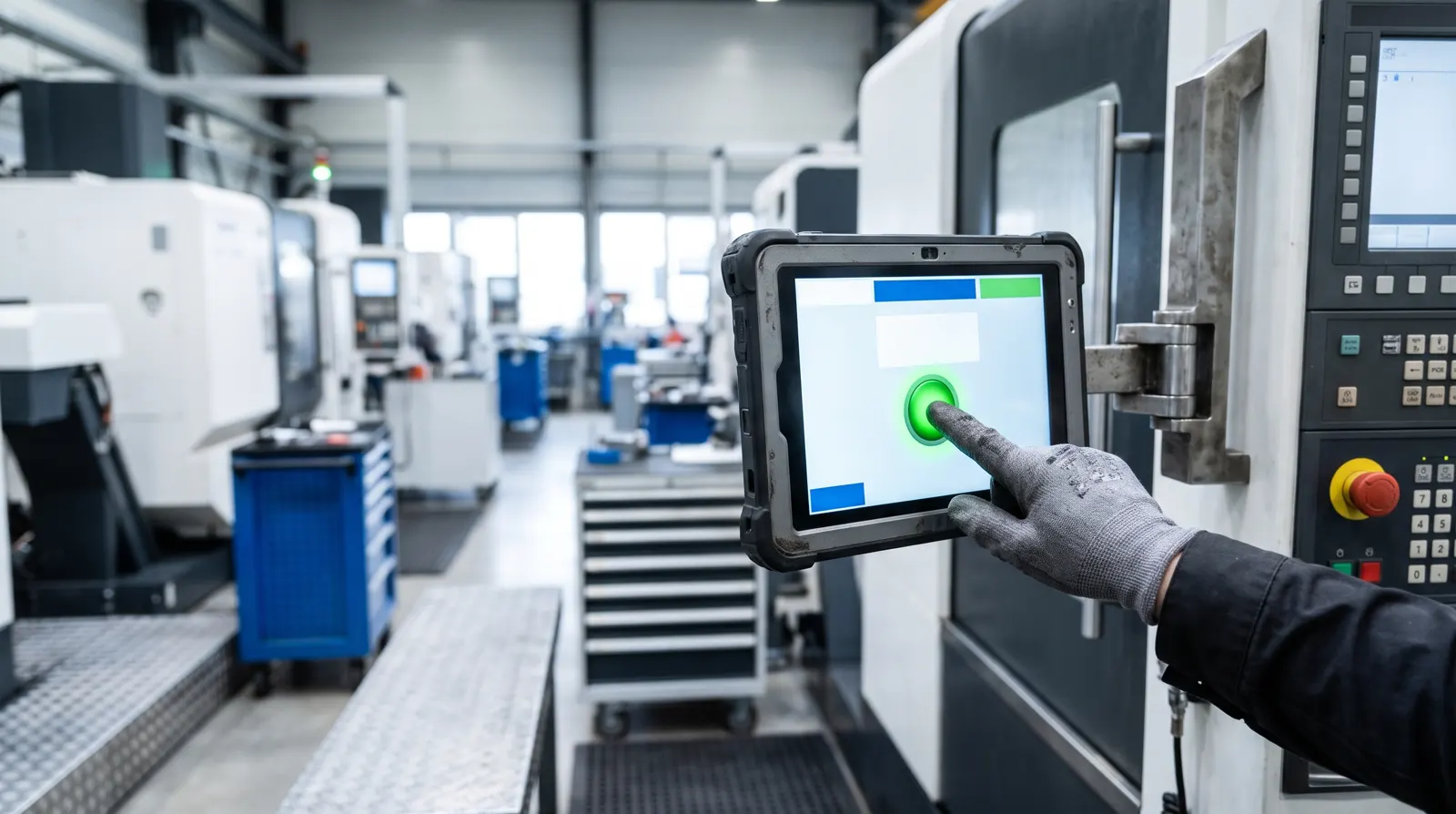
In a jobbing plant, the plant manager’s day often starts with a walk. How far is the base plate? Will the housing ship on Friday? Can we take the frame the customer phoned about? The answers are in people’s heads, on a whiteboard, and in the machinist’s memory of how long the last one took.
We wanted those answers on a screen, without asking anybody on the floor to fill in forms. Here is how we approached it, and what exists today.
Progress is time, not ticks
The obvious measure, operations done out of operations planned, is misleading. Take an order from our demo plant (invented, like every example on this site), a pump unit frame:
| Operation | Estimate |
|---|---|
| Preparation: drawing, holes, program | 2 h |
| Setup 1 | 3 h |
| Machining, setup 1 | 14 h |
| Flip by crane, setup 2 | 2.5 h |
| Machining, setup 2 | 10 h |
| Quality control | 2.5 h |
| Total | 34 h |
With preparation and the first setup finished, two of six operations are done: 33%. But only 5 of the 34 hours of work are behind it, which is 15%. Halfway through the first machining, it is (5 + 7) / 34 = 35%.
So in Metallovy, the progress of a part is its finished operations weighted by their time estimates, plus the share of the one that is running. An operation that runs over its estimate stays just short of done until somebody marks it. The screen never declares a part finished because the clock says so.
The checkpoint you already have: STOP
How does the system know an operation is finished? Asking operators to type in times doesn’t last. They have a machine to run.
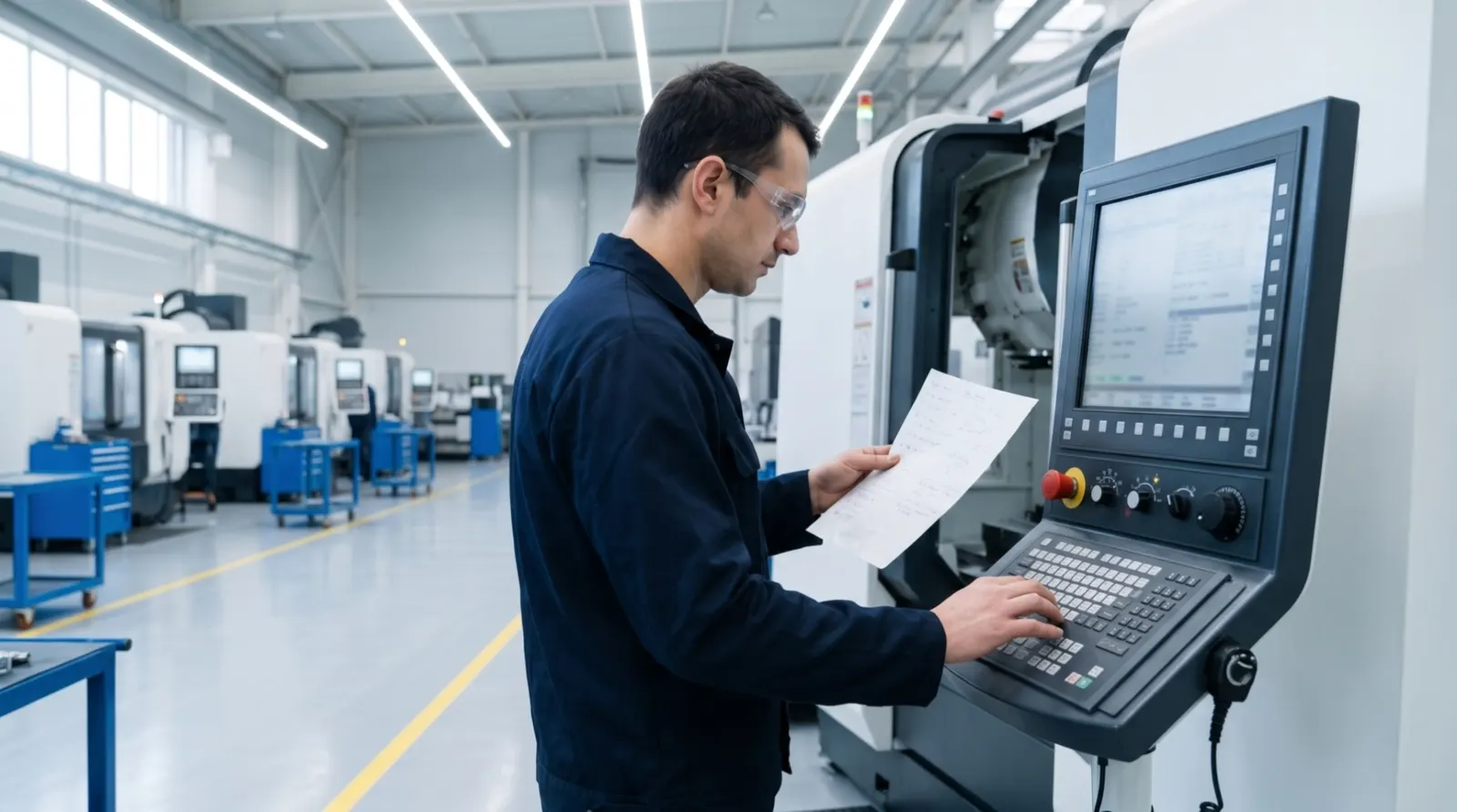
But shops that program their TNC by hand already stop after every tool. The program halts at STOP, the operator changes the tool, checks, and presses start. That moment is the natural checkpoint, and it costs one tap.
So the program is split into operations in advance, one per step between STOPs. In the demo, the base plate DM-2041 has eleven program steps, and each is an operation on the operator’s tablet: “T111 PL.SVERLO-14 · 8 holes”, cycle 203, depth 43 mm, S2200 F180, with the setup sheet and the program one tap away. At the STOP, the operator taps “Operation finished”. The program writes the time, the next operation starts, and the plant manager’s screen moves on.
A plan per machine
Each order is a chain of operations, each assigned to a machine or to an office such as engineering or quality control. Engineering is in the plan on purpose: sometimes the bottleneck is not the spindle but the programmer.
From that, Metallovy works out a plan:
- what runs now keeps its machine;
- the rest is placed in priority order, each operation when both its machine and the operation before it are free;
- only inside the working shift;
- a later order takes the gaps that earlier ones leave.
From the plan come the numbers a manager actually looks at: the load of each machine per day, as a percentage of the shift; the planned finish of every order; which orders will be late; and which are at risk, finishing less than four working hours before the end of the due day. Every tap at a machine moves the plan on.
“What if” for a new order
The customer is on the phone. Can you take a frame with 30 hours on the boring mill, due in two weeks?
In the plan, you enter the machine, the hours for machining, setup, preparation and inspection, the due date, and whether it is urgent. Metallovy shows when it could be delivered, which orders would move and by how many hours, and whether any of them would become late. An urgent order goes in front of every order that hasn’t started; otherwise it joins the end of the queue. Nothing is written into the plan: it is a calculation.
Where do the machining hours come from? For a part that has been through Metallovy, the setup sheet gives a cutting-time estimate from the program. It counts cutting feeds only, because rapid speeds and tool change times have to come from your shop. The rest is your own estimate. People enter the hours; Metallovy adds them up honestly.
Plan against actual
Every tap records when the operation really finished. That is the basis for the next step: comparing the estimate with the actual time, operation by operation, and using the difference to improve the next estimate. That comparison is planned, not built yet.
Where this stands
This is a first version, and it runs on demo data with our pilot shop: an invented plant with a horizontal boring mill, a machining centre and a lathe, twelve orders, and a demo clock that runs sixty times faster so you can watch a day go by. The plant view, the machine plan with “what if” and the operator tablet with its one-tap mark all work.
Not there yet: users and roles, and automatic progress from the control. Reading the program status straight from a Heidenhain control through its DNC interface, or from a simple spindle-running signal, is planned. Until then, the tap at the STOP is the source, and a good one: it comes from the person who saw the tool come out of the part.
Try it on one of your own drawings, then put that part into the plan.